Make your WordPress site
something extraordinary.
Free HTML, CSS & JavaScript. Beautiful effects.
Clear guides. No guesswork.
Something beautiful.
In three simple steps.
You don’t need to start from a blank screen.
Find an effect you love, then make it your own.
- Find your inspiration
Explore effects, try the demo, and see exactly what you’re getting.
- Copy & customize
Pick your colors, change the text, and copy the code you need.
- Make it live in WordPress
Follow the setup guide for your theme, editor, and permissions.
background: #9235f6;
border-radius: 18px;
}
See what a little code can do.
Try the live preview. Take the code. Make it yours.
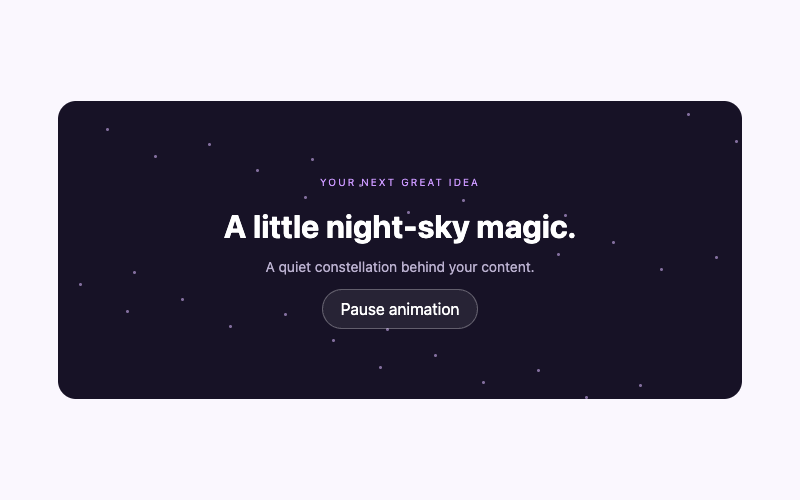
How to Add an Animated Stars Background in WordPress
Create a layered stars section in WordPress with softly twinkling points, a working pause control, and reduced-motion styling. Includes scoped code and theme-aware installation steps.
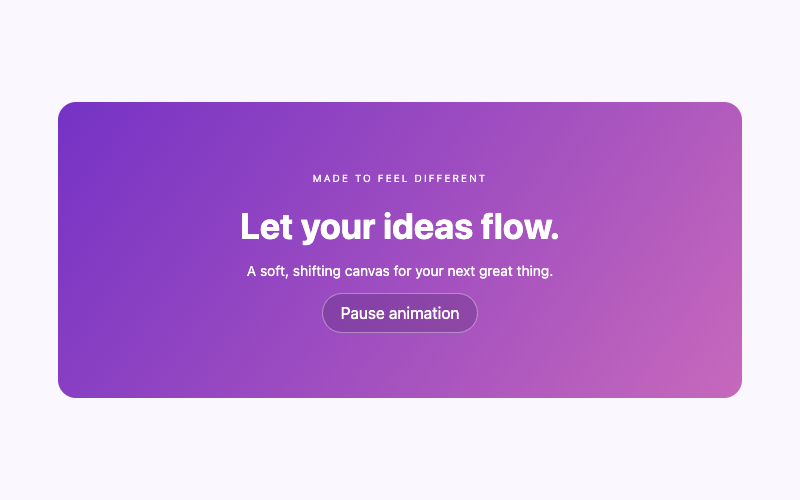
How to Make an Animated Gradient Background in WordPress
Add a slowly shifting three-color gradient to a WordPress section. Keep the text stable, offer a pause control, and customize colors without a background video.
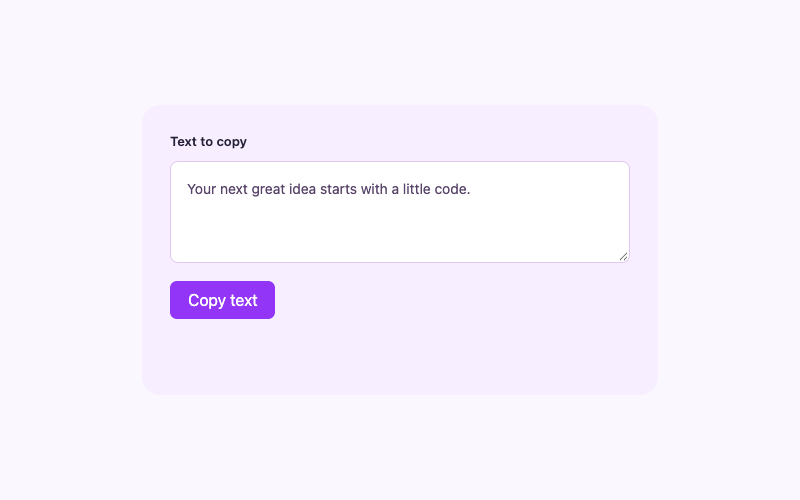
How to Add a Copy-to-Clipboard Button in WordPress
Copy visible text from a WordPress page with confirmed clipboard feedback. If the browser denies permission, select the text and offer a clear manual-copy instruction.
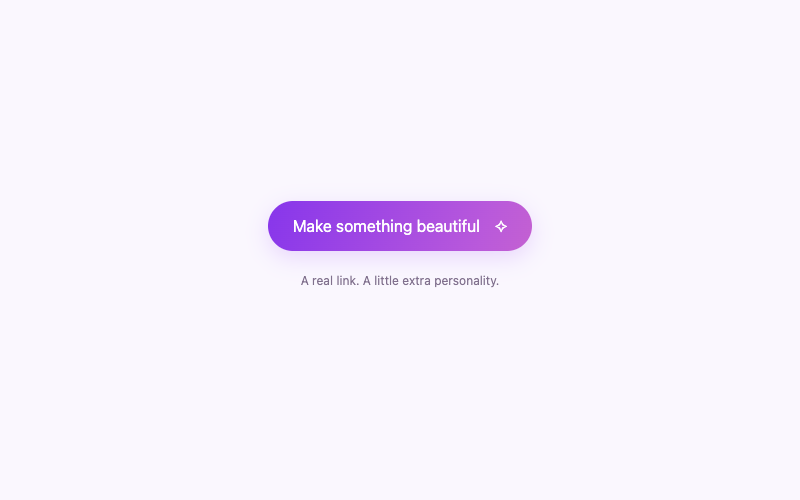
How to Create an Animated Gradient Button in WordPress
Create a gradient WordPress call-to-action link with gentle hover and keyboard-focus movement. Keep its destination real and honor reduced-motion preferences without JavaScript.
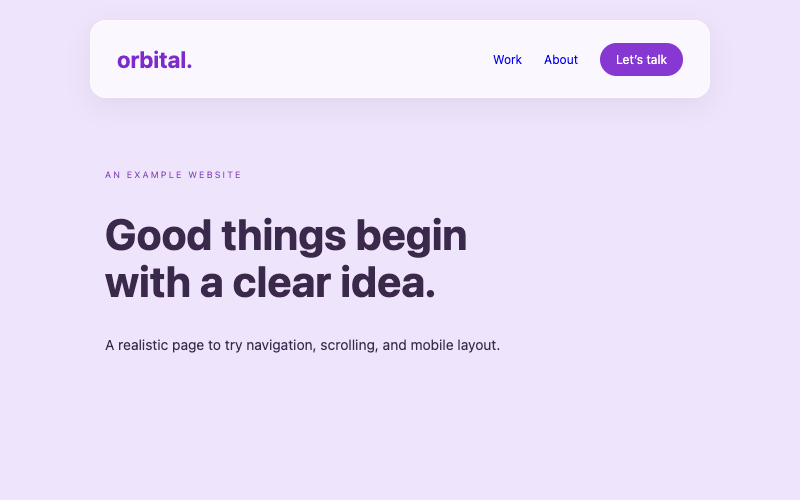
How to Add a Glassmorphism Header to WordPress
Replace a WordPress header with a complete glassmorphism design, responsive navigation, and sticky positioning. Includes a solid visual fallback and careful block-theme replacement instructions.
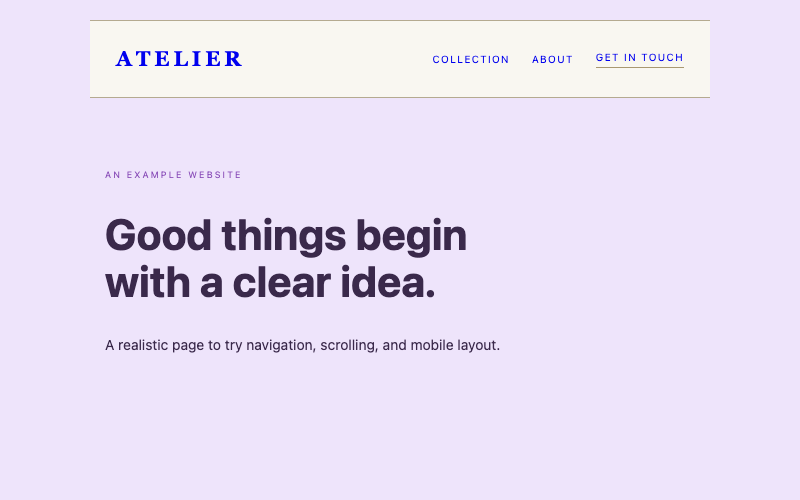
How to Add a Luxury Minimalist Static Header to WordPress
Create a complete minimalist WordPress header that scrolls normally with the page. Use a warm editorial design, mobile disclosure, and genuine global replacement paths.
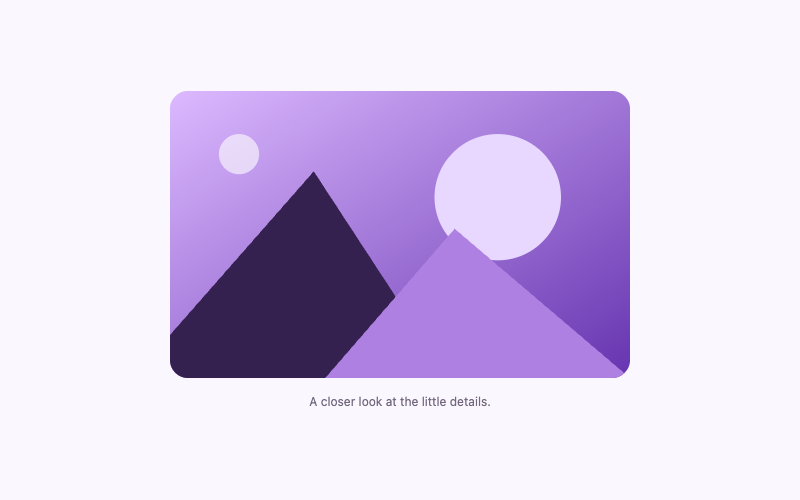
How to Add an Image Zoom Hover Effect in WordPress
Give one WordPress image a subtle hover zoom inside a rounded clipping frame. Use responsive dimensions, meaningful alternative text, and a still reduced-motion version.
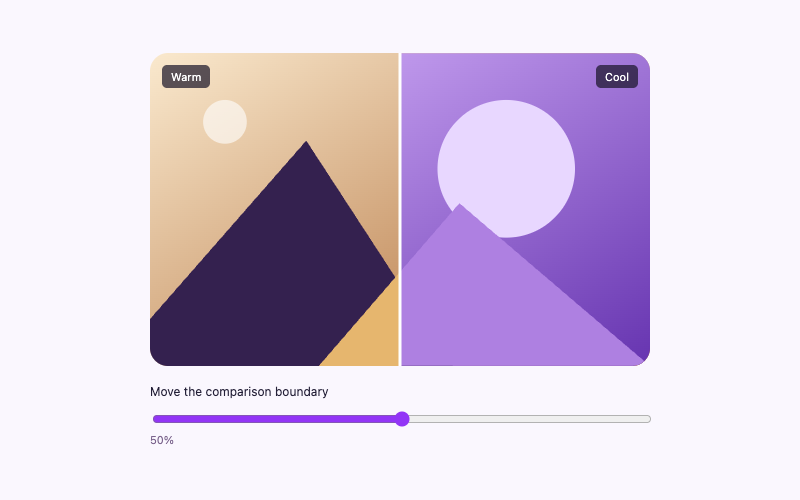
How to Add a Before-and-After Image Slider in WordPress
Compare two aligned WordPress images with a native range slider. Reveal warm and cool versions using scoped CSS, keyboard controls, and a small local script.
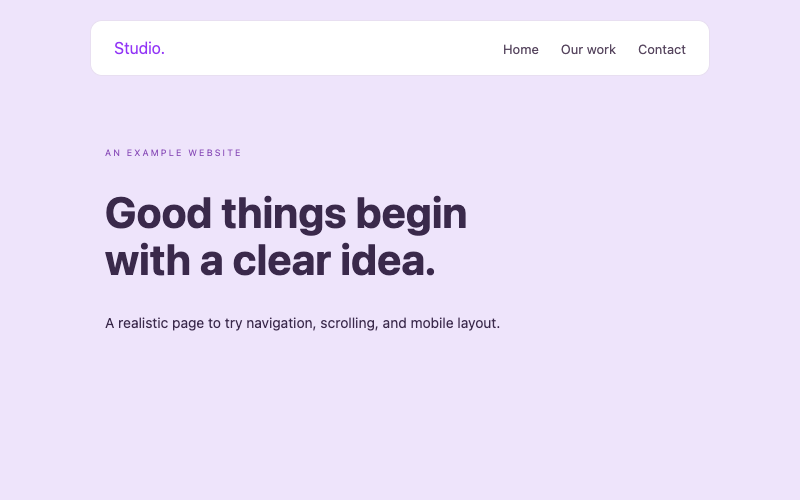
How to Add a Responsive Navigation Menu in WordPress
Build a responsive WordPress navigation component with a mobile disclosure, visible fallback links, Escape closing, and scoped styles. Understand page-level and global installation differences.
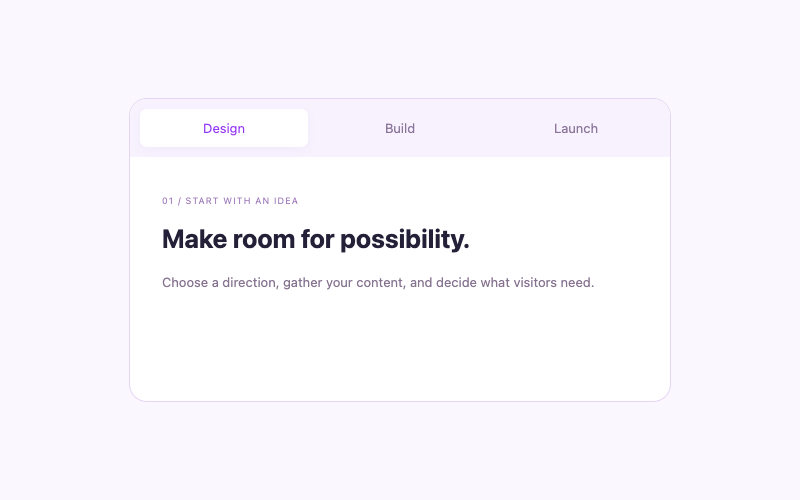
How to Create Interactive Tabs in WordPress
Organize related WordPress content into interactive tabs with arrow-key navigation, accessible relationships, and local panels. Includes scoped code and restricted-hosting alternatives.
What will you create?
A better-looking website starts with one good idea.
Backgrounds
Bring your sections to life with layered stars, gradients, and subtle motion.
Explore category▧Image effects
Give your WordPress images depth, movement, and useful interactions.
Explore category⌘Buttons & text
Small interactions that make your content easier and more enjoyable to use.
Explore category◷Useful widgets
Practical clocks, timers, accordions, and helpful page tools.
Explore category▤UI components
Responsive menus and reusable layouts for thoughtful WordPress pages.
Explore category▱Premium headers
Complete header designs with careful, theme-aware installation instructions.
Explore categoryYour creative freedom.
Good code.
Clear instructions.
Room to experiment.
See it before you use it
Live demos run in isolated previews, away from the rest of the site.
Understand what you’re copying
Readable source code, real downloads, and an explanation of the moving parts.
Install it with context
Practical paths for block themes, classic themes, and Elementor, with honest limits.
WordPress, without the guesswork.
Learn where the code goes and what to check before publishing.
Start with the essentials
HTML, CSS, and JavaScript: what each does and where it belongs.
Read the setup guideMake your header your own
Replace a block-theme header safely, without adding a second one.
Explore header setupWorking with Elementor
Understand HTML widgets, styles, and site-wide template conditions.
See the Elementor guide